

Digital files can get really messy really quickly, and when you need to find something in a hurry, scrolling through hundreds of file names that look like 23457-899654 can be really confusing and time-consuming. And when you’re needing to find files fast for a client or get a project finished, this is the last thing you want.
However, there are easy and, for the most part, simple ways for you to organize digital files so that you can find what you need when you need it without scrolling through all those irrelevant details from clients of days gone by that you no longer need.
6 smart ways to organize digital files
1. Rename Files
The easiest way to make sense of all of your files is to name them properly. Leaving the names things like “video_final_v2_new” or something like this will just get confusing fast. It will slow you down and increase the risk of you getting the wrong “final” version of what you’re looking for.
The best thing for you to do is to find a simple naming format you can stick to so everything looks cleaner and easier to identify immediately. A rough idea of the date is also helpful, so something like “clientproject_march2026_edit.mp4” can work better for you. Find a system, implement it, and stick to it, and life will become easier.
2. Store Files in One Place

Sounds simple, doesn’t it? But the thing is, when you’re busy, it can be all too easy to download that invoice to your smartphone, or you open an email attachment on your home laptop, not your work desktop, for example, and before you know it, things are scattered everywhere, and you need to go and hunt them down.
The trick is to have one main location for all of your files, and everything goes there. You also need to be able to access this via whatever device you use. So you commit to only opening things on your work desk, meaning it’s all there, or you have a cloud account you can link to your devices wherever you are. It’s consistency, it’s having a system in place that removes things from ending up scattered everywhere.
3. Edit File Size Before Sharing
One of the most common issues for messy storage is that files fail to upload or emails get rejected. Many platforms have size limits, and knowing these limits means you can check the size is correct and precise if needed before things get messy. Lowering the resolution, compressing the file, or exporting a lighter version all work here.
Smaller files upload faster, send more easily, and you’re less likely to run into problems from this.
4. Convert The File Properly
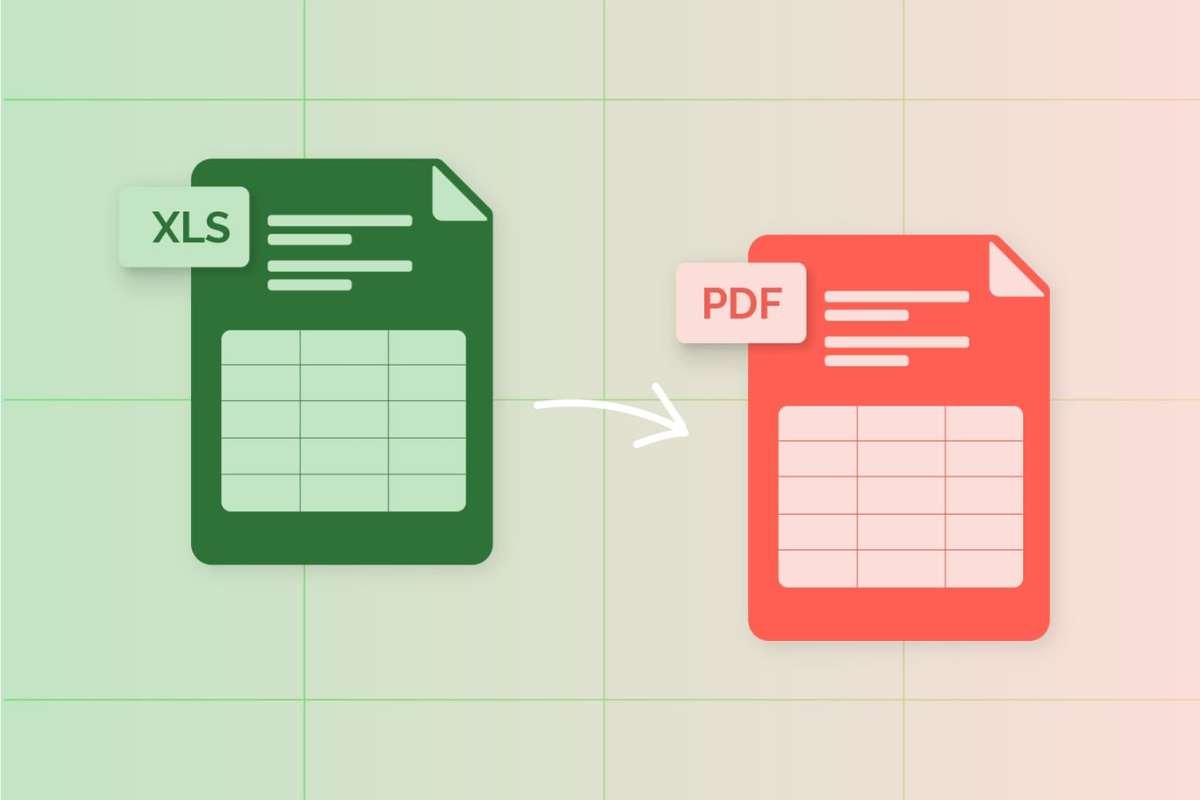
Sometimes files just don’t cooperate. That’s normal. Frustrating, but par for the course in the digital realm.
But instead of trying to force it or losing for saving loads of formats that won’t work, run it through a tool that can easily convert it for you to the format you need. Whether you need a video converter or MP4 converter, find what you need, use it, then use this format without clogging up your memory with useless versions that you don’t need or can’t use.
5. Keep Important Files Backed Up
Losing files is avoidable, but if your digital files are in chaos, it’s more likely to be inevitable than anything else. But you can avoid it by having a simple backup system in place. Relying on one device is a recipe for digital disaster and one mistake or failure away from losing everything.
Set automatic back-ups so files are backed up elsewhere without you having to remember to do it manually. And once it’s running, you’ve got a fail-safe, so you accidentally press the wrong button or click the delete instead of the rename. We’ve all done it.
6. Clean Out Old Files

If organize digital files is the aim, you need to make sure you’re clearing out old files or duplicates. Like your personal cell phone, where you’ve ended up with 345 shots of your dog sleeping in the same position in the some 60 second periods, your work files will accumulate multiple versions of the same thing or items you no longer need, making it difficult to search and navigate.
Take the time to go through everything on a regular basis and delete what you no longer want or need. Get rid of duplicates, remove outdated versions, and only keep what is actually useful or you cannot get rid of. Then file them appropriately so you know where they are.