
The best motherboards for 4K editing should offer PCIe 5.0, DDR5 support, fast storage, and reliable power delivery for smooth performance. This guide explores the top 2026 motherboards for professional video editors, highlighting essential features such as Thunderbolt connectivity, high-speed SSD support, and future-proof expansion. It also covers budget considerations, common buying mistakes, and the best options for Intel and AMD-based editing workstations to maximize productivity and long-term reliability.
For the best motherboards for 4K editing, look for PCIe 5.0, DDR5 memory support, fast storage connectivity, and strong power delivery. A high-quality motherboard means smooth timeline playback, faster rendering, efficient multitasking, and long-term system stability.
2026 is a time when professional video editing workloads are more demanding than ever before. Modern editing software includes AI-assisted features, real-time effects, multi-camera timelines, and increasingly larger 4K and even 8K files. CPUs and GPUs are the stars of the show, but the motherboard is the backbone that connects and optimizes every component in your editing workstation.
In this guide, we’re going to review the best motherboards for 4K editing in 2026 and discuss the most important features when building a creator’s PC.
Why the right motherboard matters for 4k editing?
Video editing pushes every part of your system simultaneously.
A powerful motherboard helps by providing:
- Stable power delivery to high-end CPUs
- Faster SSD performance through PCIe 5.0
- Higher memory bandwidth with DDR5 RAM
- Thunderbolt and USB4 connectivity for external drives
- Better thermal management during long rendering sessions
- Expansion options for GPUs, capture cards, and storage
The right motherboard won’t directly make videos render faster than your CPU or GPU, but it allows those components to perform at their full potential.
What to look for in the best motherboards for 4k editing?
Processor compatibility
Choose a motherboard that supports modern creator-focused processors, such as:
- Intel Core Ultra 9 Series
- AMD Ryzen 9 9000 Series
DDR5 memory support
4K editing workflows benefit significantly from:
- 32GB minimum RAM
- 64GB recommended
- 128GB+ for advanced workflows
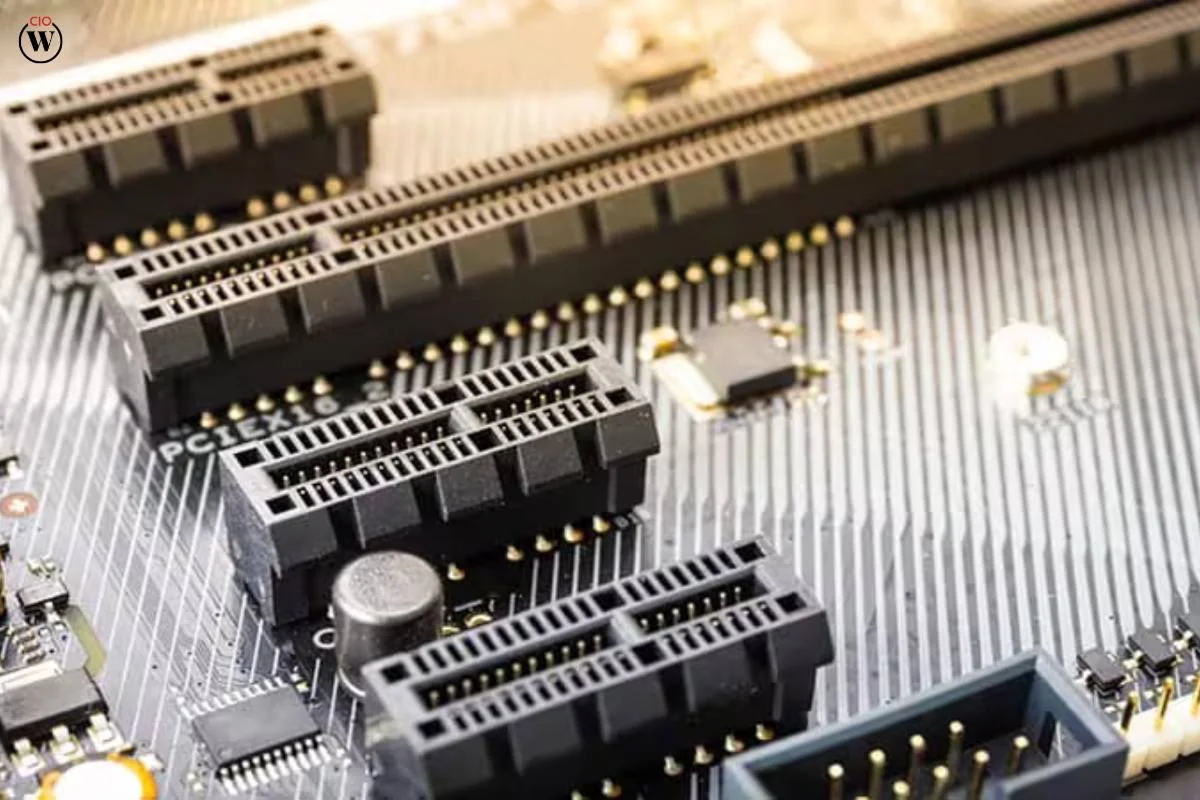
PCIe 5.0 connectivity
PCIe 5.0 enables:
- Faster SSD performance
- Better future-proofing
- Improved data transfer speeds
High-speed storage support
Look for:
- Multiple M.2 slots
- NVMe Gen5 SSD compatibility
- RAID support
Thunderbolt 5 or USB4
Content creators frequently work with external drives, cameras, and docking stations. Fast connectivity is essential.
Strong VRM design
Reliable power delivery helps maintain stability during lengthy exports and rendering workloads.
Top 10 best motherboards for 4k editing in 2026
Asus ProArt Z890-creator WiFi
Designed specifically for creators, this motherboard combines exceptional connectivity with professional-grade stability.
Key features
- Intel Z890 chipset
- Thunderbolt 5 support
- PCIe 5.0 slots
- Multiple Gen5 M.2 SSD slots
- 10Gb Ethernet
Best for
Professional editors working with large 4K and 8K projects.
MSI MEG Z890 ACE
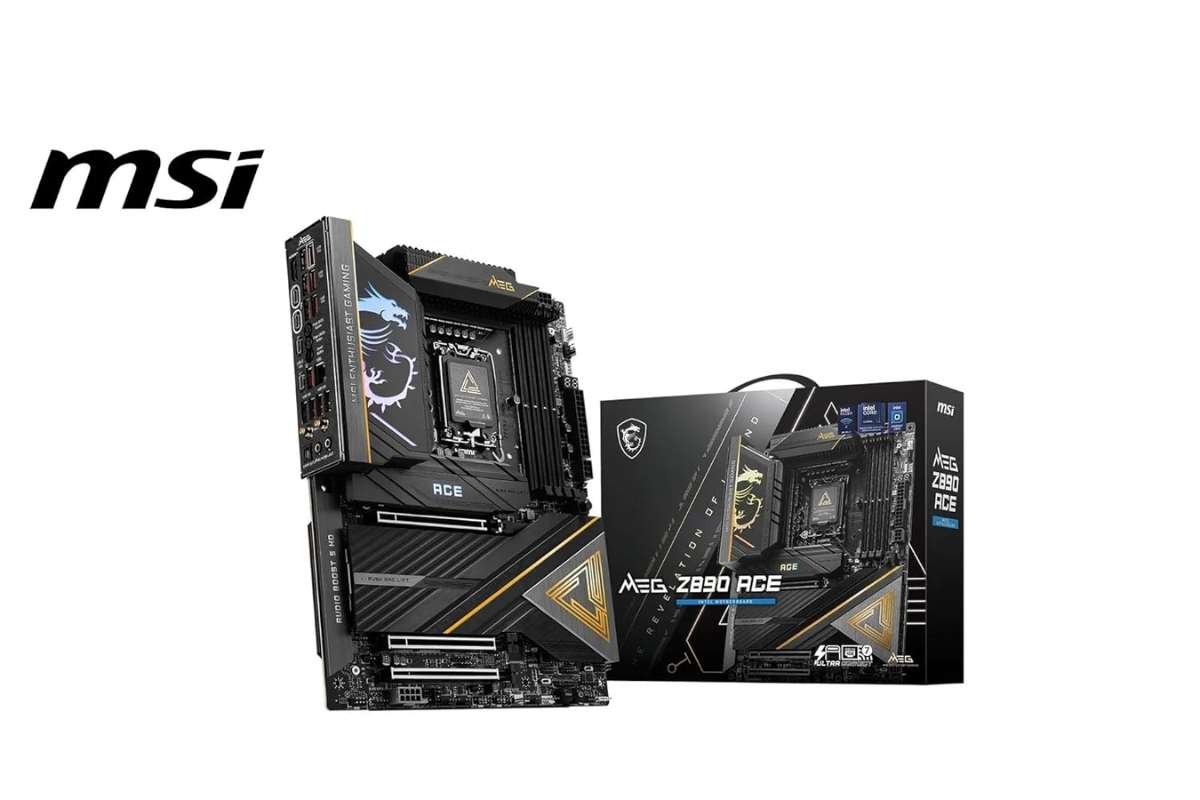
A premium motherboard built for demanding editing workloads.
Key features
- Advanced VRM design
- DDR5 support
- PCIe 5.0
- High-end thermal management
Best For
Content creators need maximum performance and overclocking potential.
Gigabyte z890 aorus master
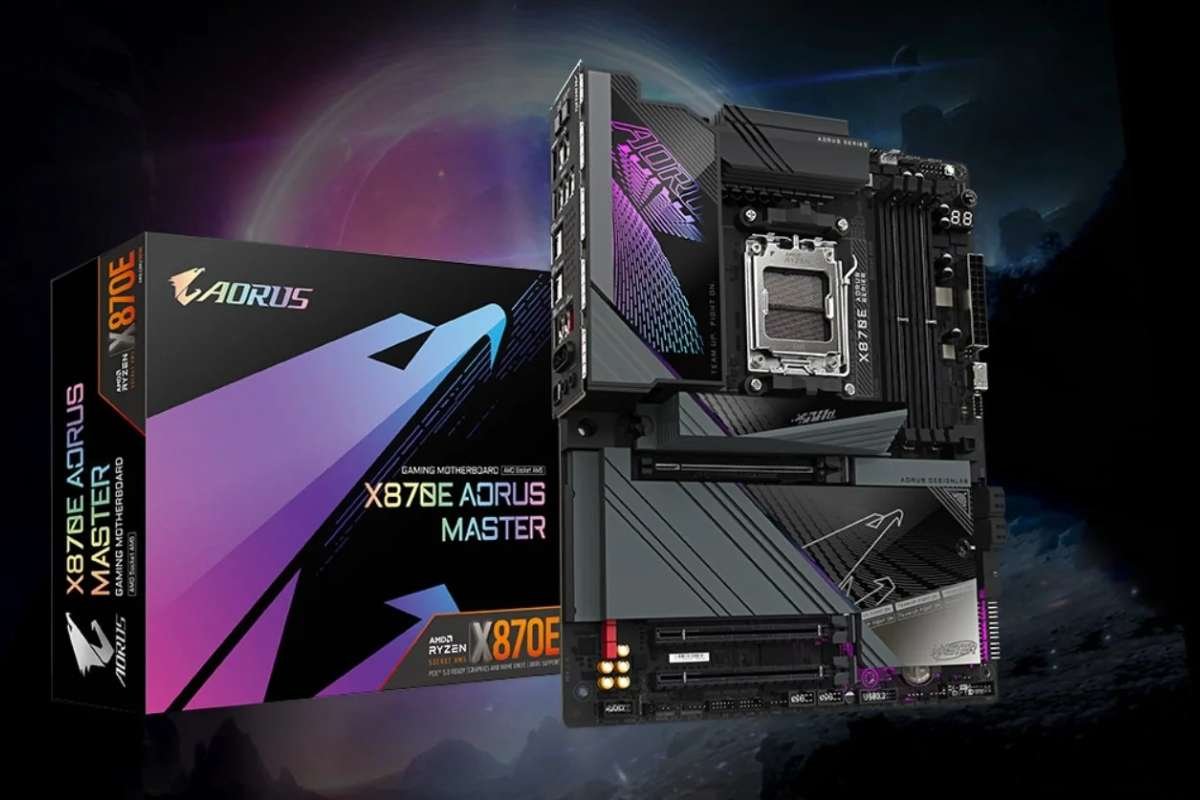
A workstation-class motherboard offering exceptional reliability.
Key features
- Thunderbolt-ready architecture
- Multiple M.2 slots
- Advanced cooling design
- DDR5 optimization
Best For
Editors handling complex multi-camera productions.
Asus ProArt X870e-creator WiFi
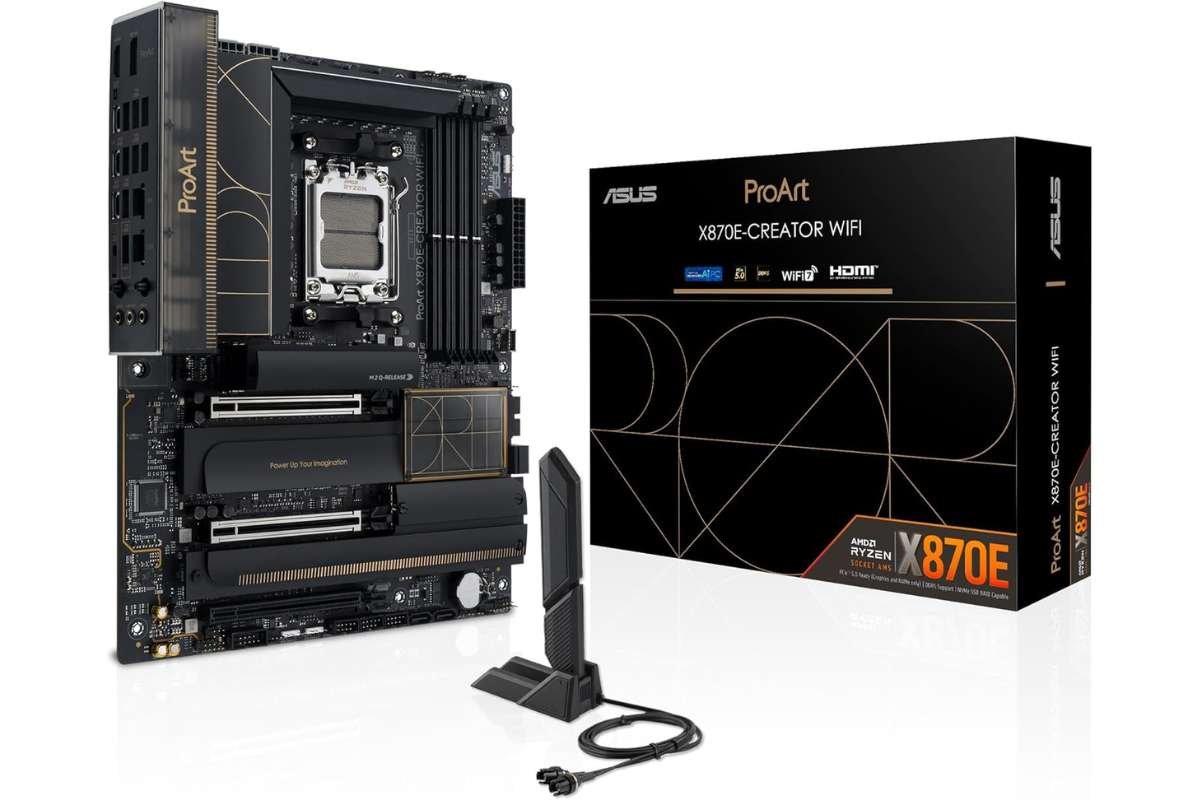
One of the most creator-focused AMD motherboards available.
Key features
- AMD X870E platform
- USB4 support
- PCIe 5.0 storage
- Professional networking features
Best For
Ryzen-based editing workstations.
MSI MPG X870E Carbon WiFi
A balanced motherboard that combines premium features with excellent value.
Key features
- DDR5 support
- PCIe 5.0
- Fast networking
- Excellent power delivery
Best For
Freelance editors and YouTube creators.
Gigabyte X870E AORUS master
Built for professionals who need reliability under heavy workloads.
Key features
- Multiple Gen5 SSD slots
- Strong VRM cooling
- High-speed connectivity
- Future-proof design
Best For
Advanced video production studios.
Asrock x870e taichi
Known for excellent performance and extensive connectivity.
Key features
- Premium VRM architecture
- PCIe 5.0
- USB4 support
- Creator-friendly layout
Best For
Professional editors building high-end AMD systems.
ASUS ROG Strix Z890-E gaming WiFi
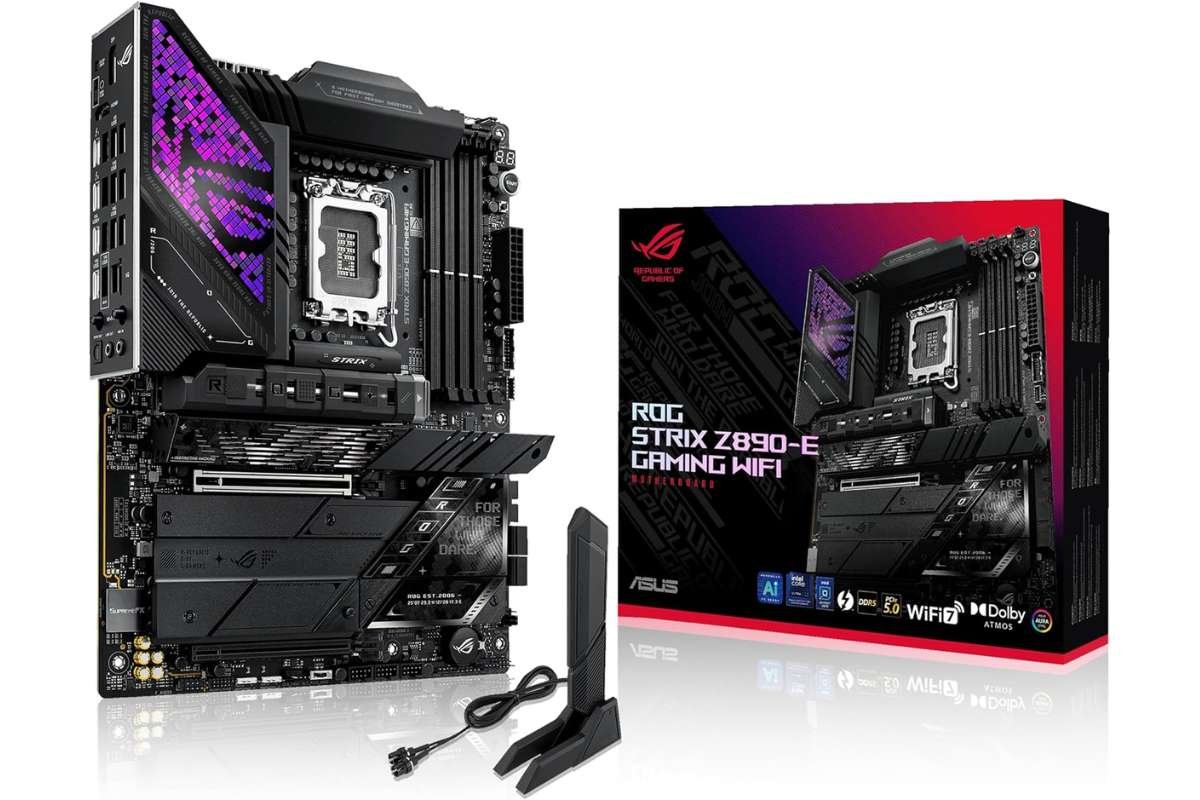
Although marketed for gamers, it performs exceptionally well for creators.
Key features
- Strong DDR5 support
- PCIe 5.0 expansion
- Robust cooling solutions
Best For
Users who both edit videos and play games.
MSI MAG X870 Tomahawk WiFi
One of the best value motherboards for 4K editing.
Key features
- Excellent stability
- DDR5 support
- Multiple M.2 slots
- Competitive pricing
Best For
Budget-conscious professionals.
Gigabyte B850 AORUS Elite WiFi7
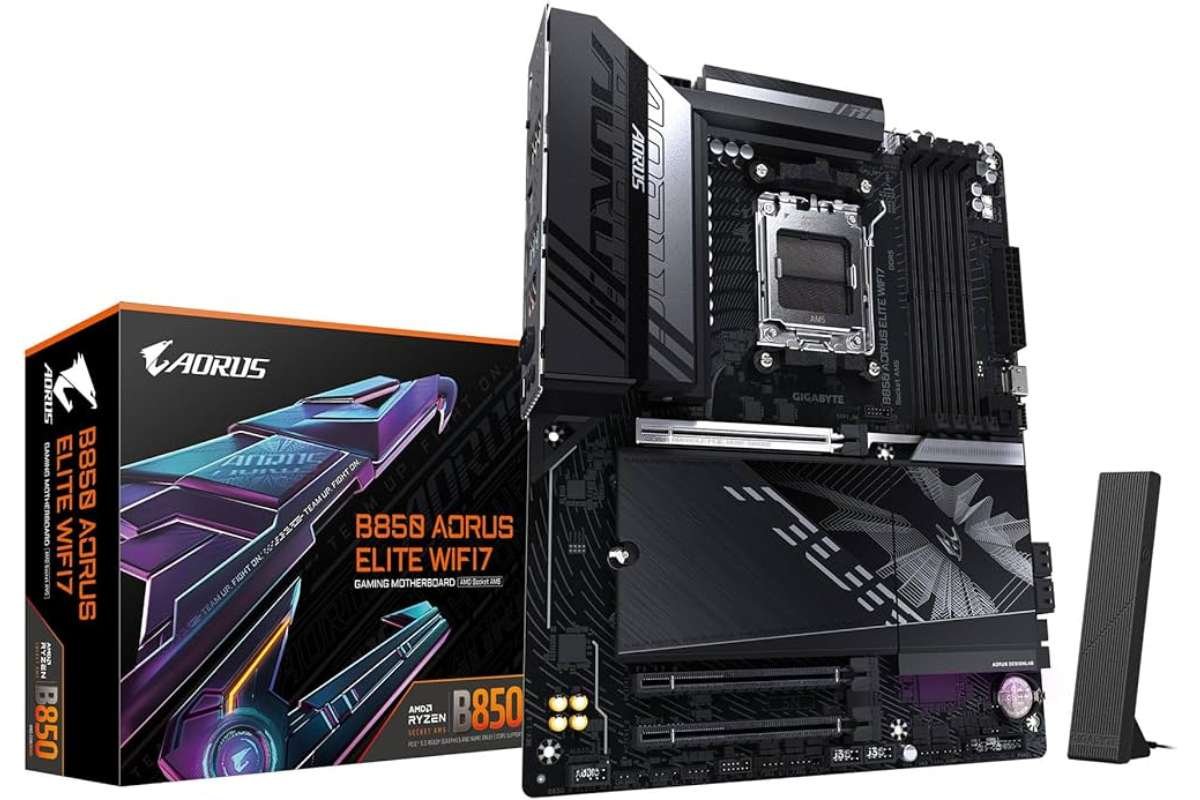
A cost-effective option that still delivers strong editing performance.
Key features
- WiFi 7 support
- PCIe 5.0 compatibility
- DDR5 memory support
Best For
New content creators are building their first editing workstation.
How much should you spend on the best motherboards for 4k editing?
Generally:
- Entry-Level Creator Builds: $180–$250
- Mid-Range Editing Workstations: $250–$450
- Professional Creator Systems: $450–$800+
Spending more typically provides better connectivity, storage expansion, networking, and power delivery rather than dramatically increasing editing speed.
Common mistakes when choosing a motherboard for 4k editing:
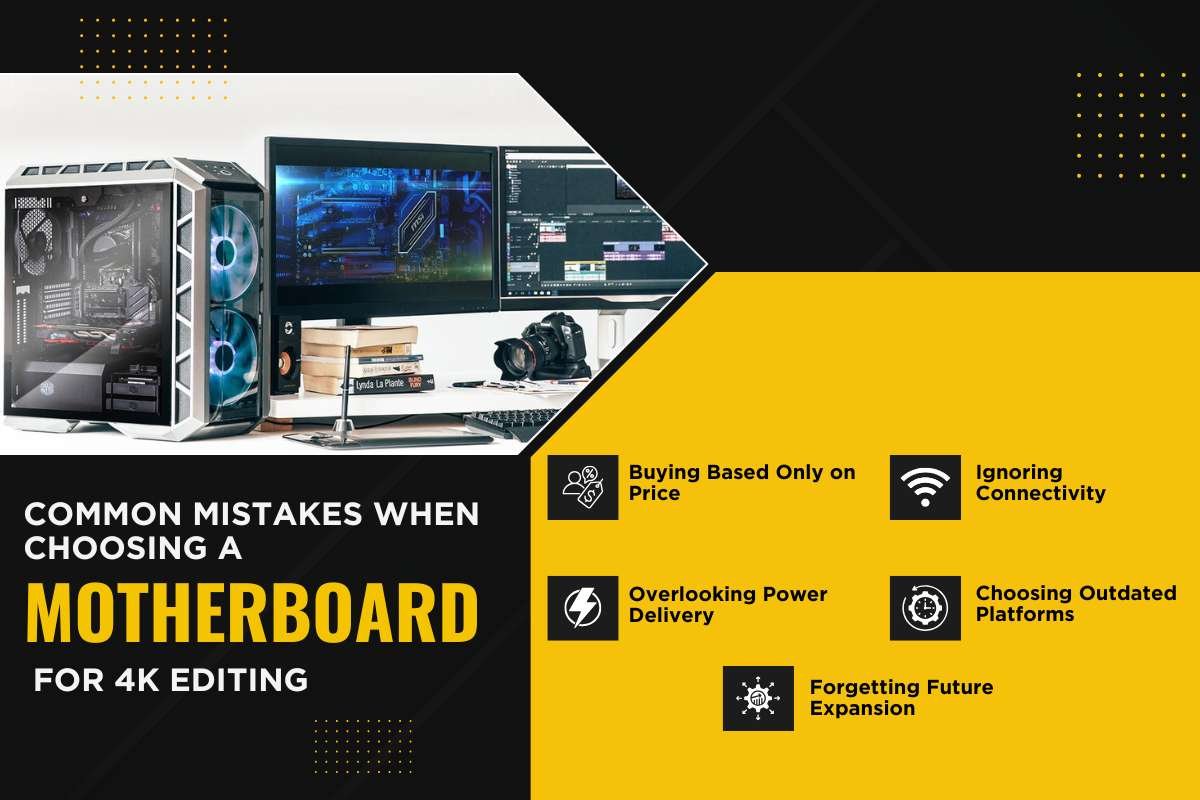
Buying Based Only on Price
A cheap motherboard may limit future upgrades.
Ignoring Connectivity
Editors often need multiple SSDs, capture cards, and external drives.
Overlooking Power Delivery
Weak VRMs can affect performance during long rendering sessions.
Choosing Outdated Platforms
Avoid older DDR4-only platforms if you’re building a system expected to last several years.
Forgetting Future Expansion
Video projects continue to grow in size, requiring additional storage and bandwidth.
Conclusion:
Best Motherboards for 4K Editing in 2026. It is based on Processor Selection, Budget, and Workflow Requirements. But for most professional creators, the ASUS ProArt Z890-Creator WiFi and ASUS ProArt X870E-Creator WiFi are the best options, with excellent reliability, PCIe 5.0 support, Thunderbolt connectivity, and creator-focused features.
Whether you’re editing YouTube videos, documentaries, commercial projects, or cinematic productions, investing in the right motherboard ensures that your workstation will stay fast, stable, and ready for the demands of future editing.
FAQ:
1. Which motherboard is best for 4K video editing?
For 4K video editing, you need a motherboard with robust VRMs for extended rendering, abundant PCIe Gen 5 lanes for fast GPUs/SSDs, and high-speed I/O like Thunderbolt 4/5.
2. How much RAM do you need to edit 4K footage?
For 4K video editing, 32 GB of RAM is the recommended sweet spot. It allows for smooth scrubbing, handles timeline caching, and leaves enough memory for background tasks.
3. Is 64GB RAM overkill for 4K editing?
No, 64GB of RAM is not overkill for 4K video editing.
4. Is 32GB RAM overkill for video editing?
No, 32GB of RAM is not overkill for video editing. In fact, it is widely considered the recommended sweet spot for modern creators.
5. How many cores do I need for 4K video editing?
How many cores should a processor have for 4K video editing? Processors with at least 6 cores can be preferable, but 8 or more cores are suitable for advanced editing tasks.