
Notion’s People team uses async workflows to work well. This method lets staff do tasks at their own pace. They do not need to be online at the same time. This leads to more focus and better results. By using shared docs and notes, the team cuts down on meetings. This style helps new hires learn fast and keeps the team sharp. It is a smart way to get things done without stress.
Does your workday feel like one long, never-ending meeting? Most of us are stuck in a cycle of pings and slow approvals. Switching between tasks all day leaves little time for actual work.
When you are part of a remote team, trying to sync every calendar is almost impossible. It is tiring, and it just doesn’t work well.
There is a better way to get things done without burning out. You can take back your schedule by moving toward asynchronous workflows. This lets people work when they are most focused.
This isn’t just a theory. Notion’s own People team lives this every day. They use their own tool to cut down on meetings and speed up how they talk to each other. By focusing on clear notes and freedom, they have changed how they handle everything from hiring to daily tasks.
Today, we will look at how Notion’s people team uses async workflows. We will also share simple ways you can use these ideas to help your own team get better results.
What are async workflows?
Simply put, async workflows let people work together without being online at the same time. Live work relies on instant replies and meetings. In contrast, async work focuses on notes and flexibility. You share info, and your team looks at it when they are ready.
Think of it like a phone call versus a video. One makes you stop what you are doing. The other lets you stay focused. Async does not mean slow. It actually speeds things up. You don’t have to wait for a 2:00 PM meeting to move a project forward.
| Synchronous Work | Async Work |
| Live Meetings | Shared Docs |
| Instant Replies | Flexible Responses |
| Real-time Collaboration | Documentation-first |
| Constant Interruptions | Deep Focus |
Moving to this model shifts the priority from “being present” to “getting results.” And if we look at work culture today, this is exactly how high-performing teams stay ahead.
Why notion’s people team relies on async workflows?
Growing a global company is hard. Managing the people behind it is even harder. For Notion’s People team, async workflows are a must.
When your team lives in different time zones, waiting for a quick meeting can stop a project for a whole day. By going async, the team makes sure work never stops just because someone is asleep.
This also helps the company grow. As a team gets bigger, important info often gets lost in private chats or calls. Moving to an async-first model builds a culture of writing things down. Every choice and update lives in a shared space. This means a new hire can learn fast just by reading through project notes.
This way of working also makes things fair. Not everyone thinks best on the spot during a live video call. Async work gives people the space to think and give good feedback. It stops the loudest person in the room from taking over. Instead, the best ideas win. This creates a kind culture where work is the main focus.
How notion uses async workflows to keep teams fully aligned?
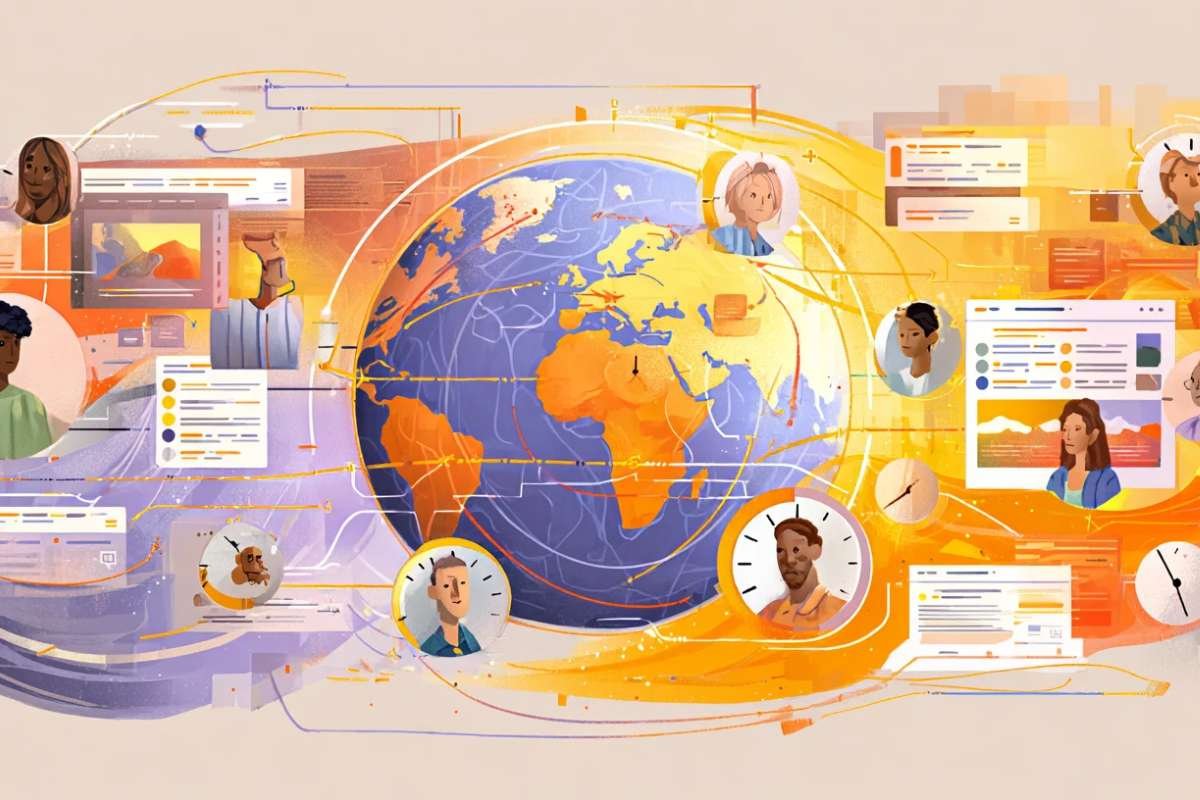
To see how Notion’s people team uses async workflows, you have to look at how they turn tribal knowledge into a shared resource. They don’t rely on memory; they rely on systems. Good async systems depend more on documentation quality than the tools themselves.
1. Documentation-first communication
In most companies, if you have a question about a policy, you ask a manager. At Notion, you search the workspace. The team maintains shared Standard Operating Procedures (SOPs) and internal knowledge hubs that act as a source of truth. This paperwork reduces repetitive questions and makes sure that everyone has the same information at the same time.
Know More: Why Asynchronous Communication Is Changing Leadership for Women?
2. Async hiring collaboration
Hiring involves a logistical nightmare of syncing interviewers’ calendars for debrief. Notion skips the “debrief meeting” by using structured candidate feedback docs and interview scorecards. Interviewers drop their thoughts into a shared database immediately after a session.
This lets the hiring manager review evaluations and move a candidate to the next stage. It removes the scheduling bottleneck.
3. Onboarding workflows
Onboarding is often an information firehose that people mostly forget. Notion uses role-based task lists and self-serve onboarding pages to let new hires learn at their own pace. Instead of a live walkthrough that happens once, they provide recorded videos and learning databases.
This helps new hires revisit complex information whenever they need it. This means they are not relying on what they managed to scribble down during a live session.
4. Internal updates and team alignment
To keep everyone aligned without a “Friday Standup,” the team uses status dashboards and weekly written updates. They even have a unique tradition where new employees share a “Life Story” document housed in the company’s people directory. This builds culture asynchronously.
By using comment-based approvals and team wikis, they replace hours of “just checking in” meetings. Now, it is replaced with transparent, searchable updates that anyone can read on their own schedule.
Benefits of async workflows for people teams
The shift to async work changes how your team thinks. When you can’t rely on a quick verbal explanation to fix a confusing point, you have to write more clearly. This creates a culture of stronger written thinking, where ideas are sharpened before they are even shared.
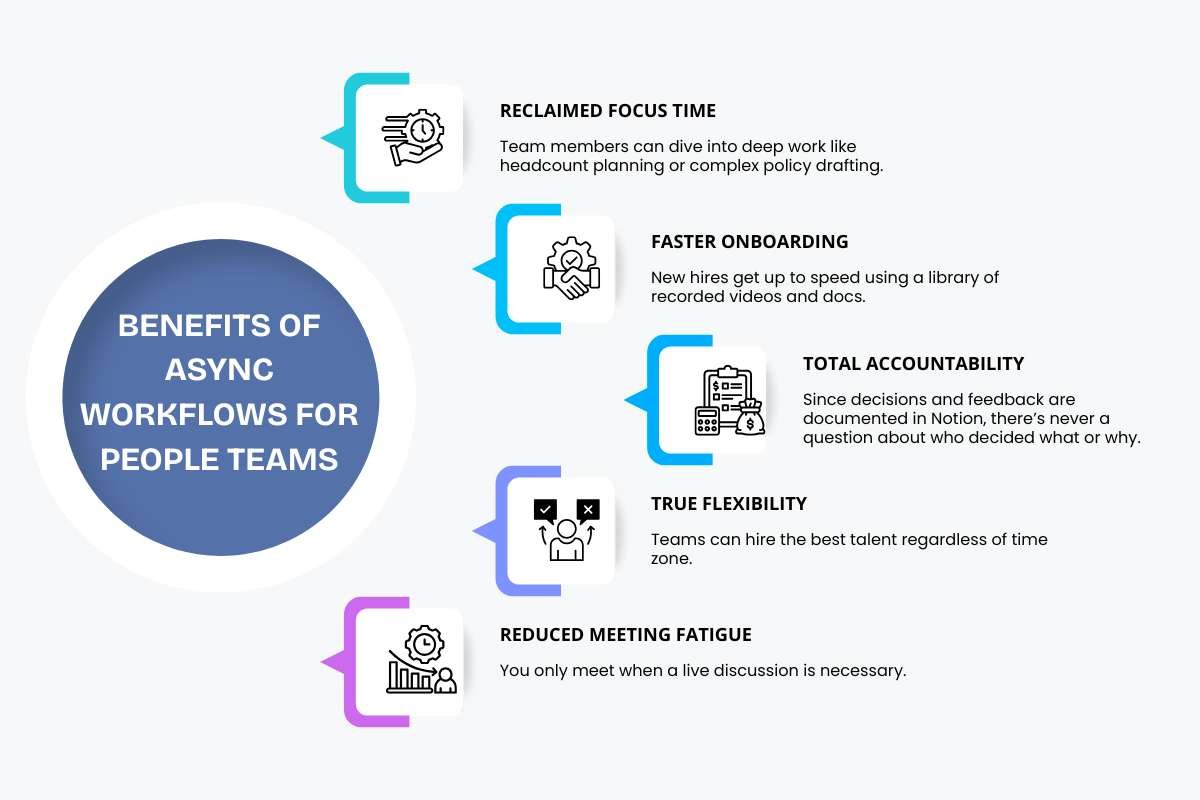
Here are the primary benefits for People teams:
- Reclaimed Focus Time: Team members can dive into deep work like headcount planning or complex policy drafting.
- Faster Onboarding: New hires get up to speed using a library of recorded videos and docs.
- Total Accountability: Since decisions and feedback are documented in Notion, there’s never a question about who decided what or why.
- True Flexibility: Teams can hire the best talent regardless of time zone.
- Reduced Meeting Fatigue: You only meet when a live discussion is necessary.
One unexpected perk? You build a historical archive of the company’s evolution. Every policy change and hiring decision becomes a searchable lesson for future leaders.
Challenges of async workflows
Async workflows come with their own set of hurdles. If you don’t manage them well, you might find your team struggling with information overload or feeling disconnected. The key is to acknowledge these friction points early and set clear rules to solve them.
Common hurdles and how to clear them:
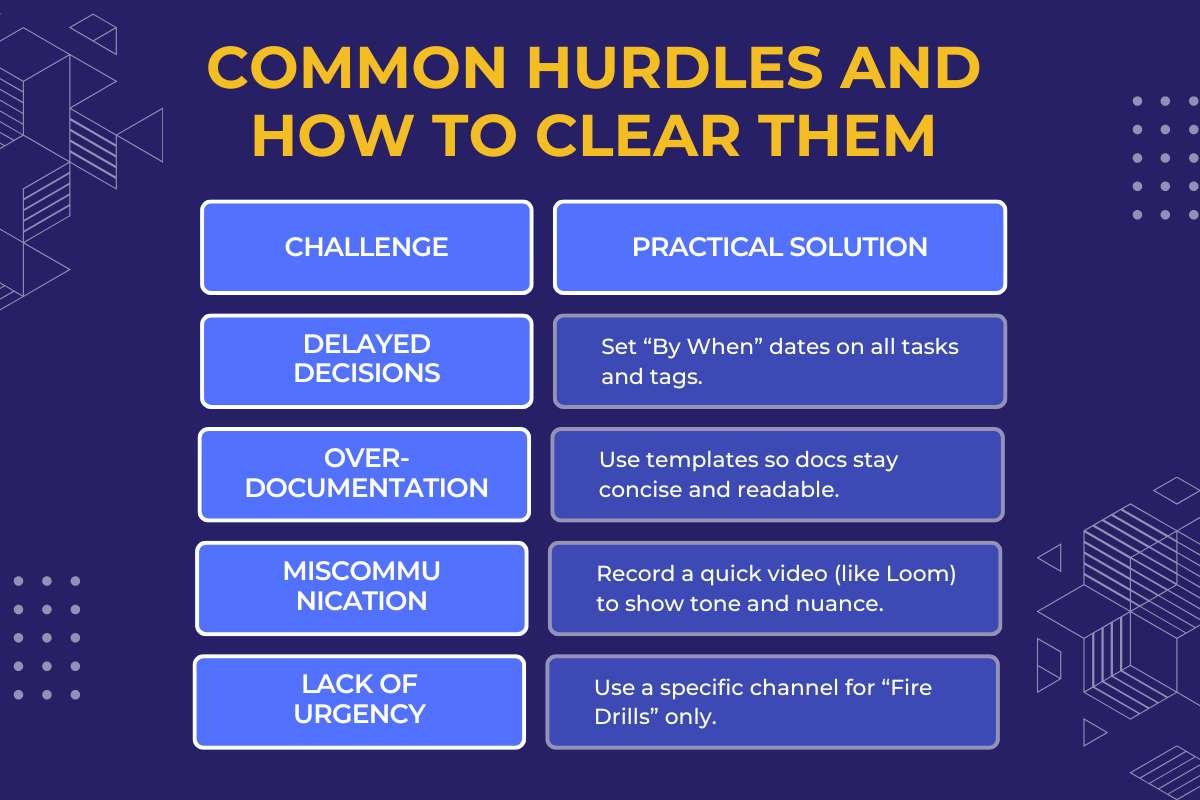
| Challenge | Practical Solution |
| Delayed Decisions | Set “By When” dates on all tasks and tags. |
| Over-documentation | Use templates so docs stay concise and readable. |
| Miscommunication | Record a quick video (like Loom) to show tone and nuance. |
| Lack of Urgency | Use a specific channel for “Fire Drills” only. |
One major trap is tool overload. It’s tempting to add five different apps to manage your work, but that just scatters your data. Keep your workflows centralized.
Most importantly, remember that async is a tool, not a religion. If a document thread goes back and forth more than three times without a resolution, it’s usually time to hop on a quick five-minute call to clear the air.
Balancing flexibility with directness is what makes the system stick.
Lessons companies can learn from how notion’s people team uses async workflows.
Notion’s success with async work is all about the mindset they adopted to manage people. You don’t need a massive tech budget to copy their results. All you need to shift is how you value information.
Here are the key takeaways your company can start using today:
- Move from “Presence” to “Performance”
- Write It Down by Default
- Over-Communicate Context
- Create “Deep Work” Sanctuaries
- Audit Your Meetings
- Standardize Your Format
By treating documentation as a core part of the job, you build a team that is more autonomous, more thoughtful, and more productive.
Conclusion:
In the workplace, looking at how Notion’s people team uses async workflows provides a roadmap for the future of work. By prioritizing documentation and autonomy, they have shown that you don’t need constant meetings to scale operations effectively.
Teams that embrace this shift gain the focus and flexibility required to do their best work. As the world becomes more distributed, async workflows will likely move from a trend to the global standard for high-performing companies.
People also asked:
1. What is a simple example of an asynchronous workflow?
An employee records a video walkthrough of a new policy and shares it in a team channel for others to watch and comment on when they are free.
2. Does async work mean I never have to attend meetings?
No, it means you reserve live meetings for complex problem-solving or sensitive discussions while moving status updates to written docs.
3. How does the Notion team handle urgent issues without a “sync” culture?
The team establishes clear “emergency” channels and response-time expectations so everyone knows when to break the async flow for a crisis.
Thank You For Reading!
Read More
Why Does Asynchronous Management Works Better for Modern Teams?